In four steps
How to download a video from a link, step by step
Four steps from the link to the file. You decide at every step; nothing is prepared or downloaded without your click.
The images show the service with test data. They are no promise that a specific link, platform or resolution will work.
Paste the link
Copy the address of a single public video, short, reel or Twitch clip. MediaLink recognises the platform before sending and rejects foreign hosts as well as profile and playlist links.
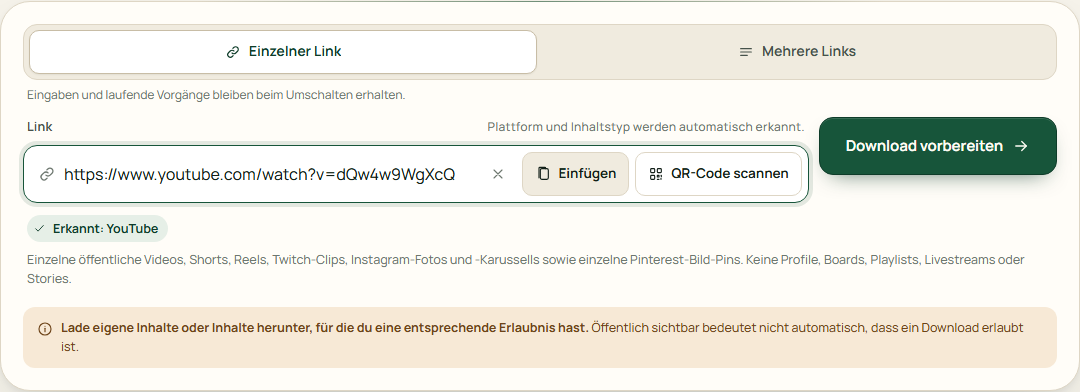
Example view · test data, no live proof Check the formats
After the check you see the title, the duration and only the formats the source actually reports. Unknown sizes and resolutions stay marked as unknown.
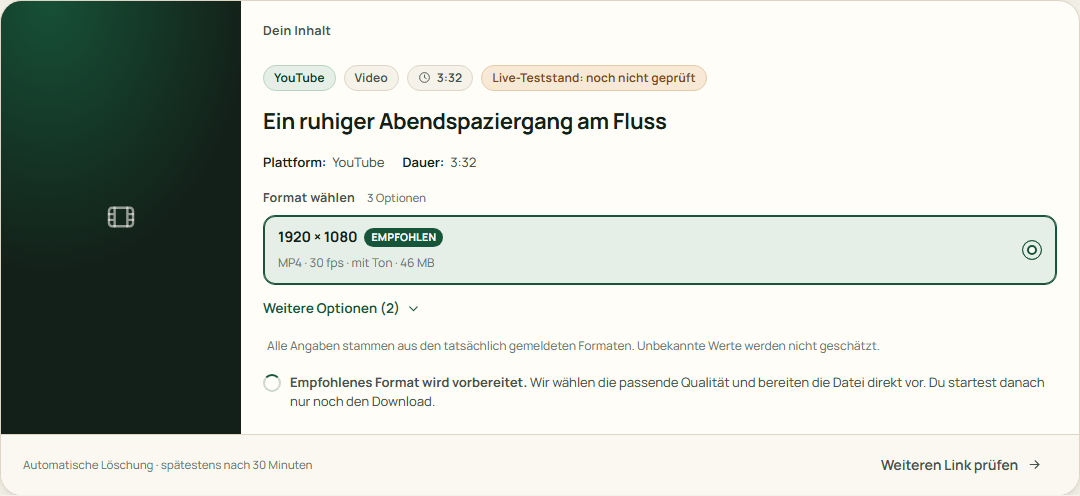
Example view · test data, no live proof Prepare the file
Preparation starts only with “Start download”. You can cancel it. Separate video and audio tracks are merged without re-encoding.
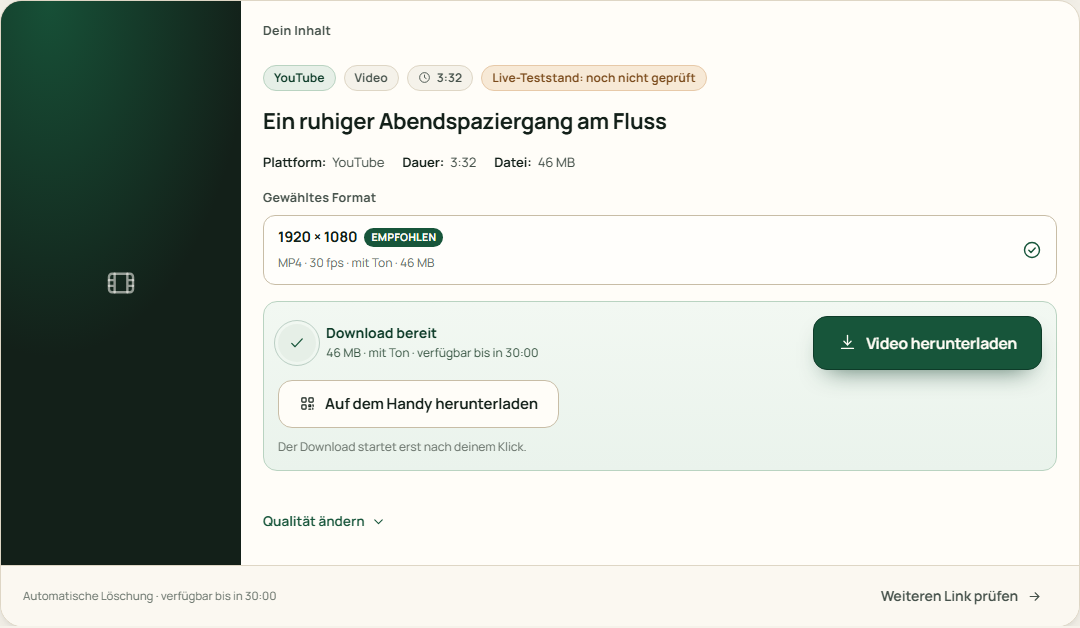
Example view · test data, no live proof Download it yourself
The file download starts only with your click on “Download video”. The browser saves the file in your download folder. On the server it can no longer be retrieved after 30 minutes at the latest and is deleted afterwards.
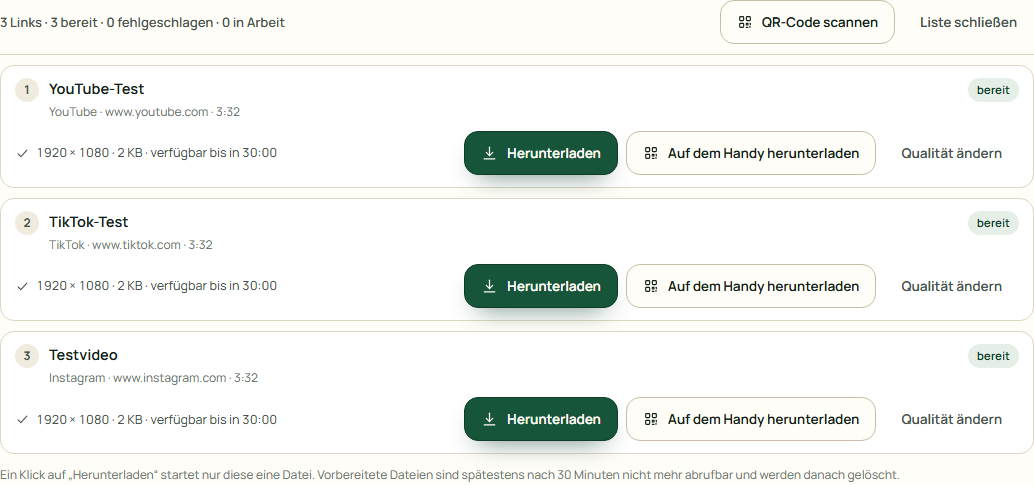
Example view · test data, no live proof
Several links: up to 5, one after the other
With “Check several links” you paste up to 5 individual URLs, one per line. They are checked one after another. Each line keeps its own state, format choice and download. An error or a rate limit affects only that line. Duplicate links are removed; further links beyond 5 are counted and not processed silently.